Flipkart seller guide
One SKU, Three Spellings: Matching SKUs Across Flipkart Reports
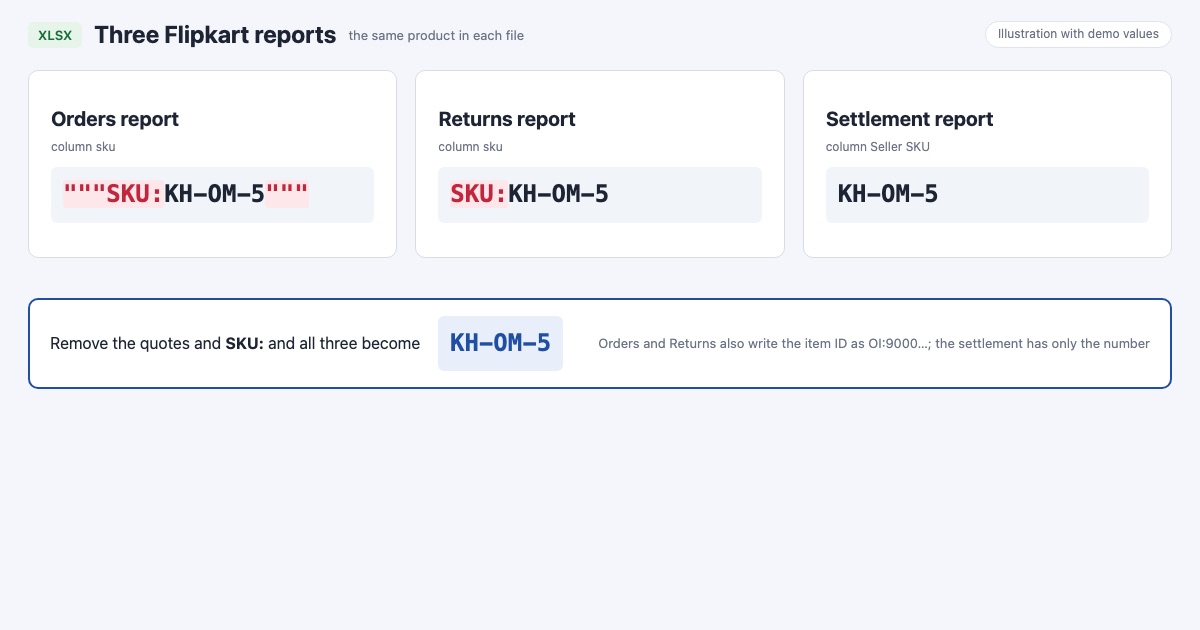
Quick answerThe same product has a different SKU text in each Flipkart report. In our files the Orders report wrote """SKU:KH-OM-5""" (with three double quotes on each side), the Returns report SKU:KH-OM-5 and the settlement report just KH-OM-5. The Order item ID also starts with OI: in Orders and Returns but not in the settlement. Remove the quotes, the SKU: prefix and the OI: prefix before a VLOOKUP, XLOOKUP or PivotTable, and the three reports match.
On this page · 5 sections
What each report writes
These are demo values in the exact form our real files used. In our Orders report all 90 SKUs had the quotes and the SKU: prefix.
| Report | SKU column | SKU text | Order item ID |
|---|---|---|---|
| Orders report | sku | """SKU:KH-OM-5""" | OI:900000000000031600 |
| Returns report | sku | SKU:KH-OM-5 | OI:900000000000031600 |
| Settlement report | Seller SKU | KH-OM-5 | 900000000000031600 |
Clean them in Excel
Insert a new column next to the SKU in the Orders report and the Returns report.
In it, write =TRIM(SUBSTITUTE(SUBSTITUTE(A2,CHAR(34),""),"SKU:","")) with A2 being the SKU cell. CHAR(34) is the double quote. Fill it down.
Do the same for the Order item ID with =SUBSTITUTE(B2,"OI:","").
Copy the new columns and paste them as values, then use them for VLOOKUP, XLOOKUP or a PivotTable against the settlement report.
If a SKU still does not match, look for a different case or an extra space inside the SKU; our SKUs included spaces, such as dw caph.
Why it matters
- Profit per SKU: if the Orders report and the settlement do not match, a SKU's payments look missing and its profit looks like a loss.
- Returns per SKU: returns that do not match their orders cannot be counted against the right product.
- Costs: the product cost you type once must match all three spellings.
Or let the dashboard clean them
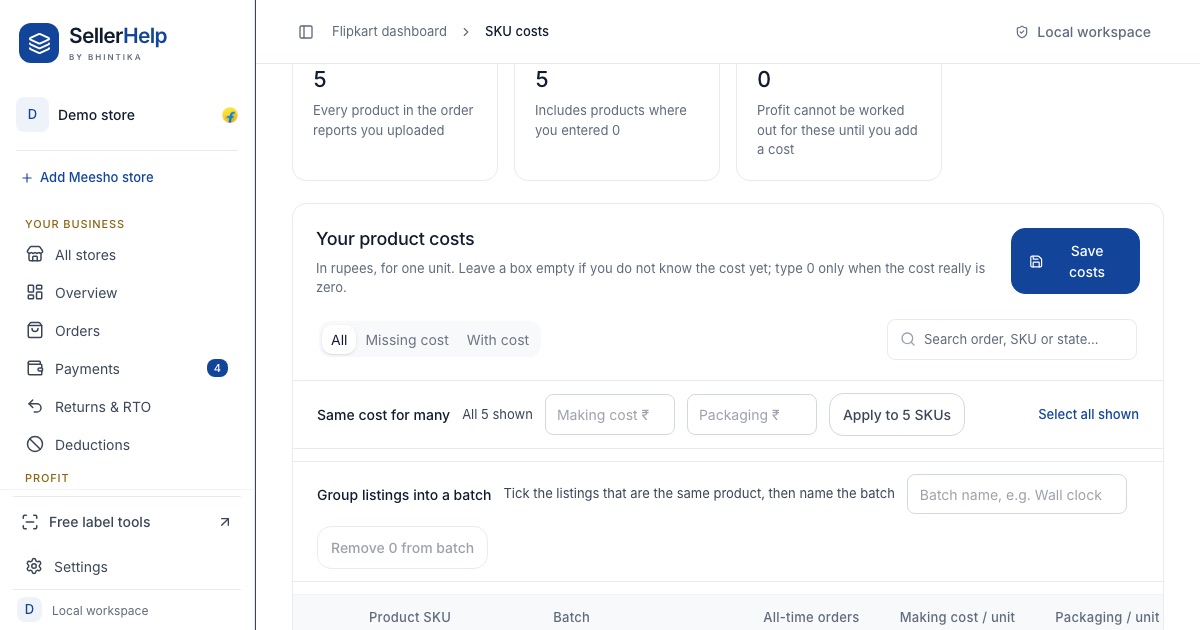
The free Flipkart seller dashboard removes the quotes, the SKU: prefix and the OI: prefix when it reads the files, so every report matches on the same SKU and Order item ID. You type each SKU's cost once, on the SKU costs page. Upload the files as Flipkart gives them; see which reports to download.
Frequently asked questions
Why does my Flipkart orders report show SKU with quotes?
That is how the file is written. In our Orders report every SKU looked like """SKU:name""". Remove the quotes and SKU: to get the SKU you set.
Why does VLOOKUP not find my Flipkart order in the settlement?
The Orders report writes the Order item ID with OI: in front and the settlement does not. Remove OI: first.
Is the Order ID or the Order item ID better for matching?
The Order item ID. One order can have several items, and the settlement pays each item separately.
Which SKU spelling should I use as the master?
The settlement report's Seller SKU, because it has no extra text. Clean the other two to match it.