Flipkart seller guide
Which Flipkart Seller Hub Reports to Download and Where to Find Them
Quick answerFour Flipkart Seller Hub reports cover almost everything a seller needs to check: the Orders report (Orders, Reports) for every order and its status, the settlement report (Payments, Settlements) for the money, the returns report (Returns, Reports) for returns and RTO with reasons, and the campaign report (Advertising, Reports) for ad spend. Download them for overlapping dates, keep the files as Flipkart gives them, and match them on the Order item ID without its OI: prefix.
On this page · 6 sections
The four reports at a glance
The Orders and Returns reports start with a Help sheet that explains every column, and Flipkart's own note there says to download the reports for the same period so the data reconciles.
| Report | Where in Seller Hub | What it answers | Format |
|---|---|---|---|
| Orders report | Orders, then Reports | What was ordered, its status, dispatch and delivery dates, late dispatches | Excel (.xlsx) |
| Settlement report | Payments, then Settlements | What Flipkart paid per order item, fees, fines, TCS and TDS | Excel (.xlsx) |
| Returns report | Returns, then Reports | Which orders came back, RTO or customer return, and why | Excel (.xlsx) |
| Campaign report | Advertising, then Reports | Ad spend, clicks, units and revenue per campaign | CSV |
Which dates to pick
- Orders report: from the oldest order that is still open (not delivered, returned or cancelled) up to today. Statuses change, so an older report can be out of date.
- Settlement report: by payment date. It lists only money already settled, so download it again after each payout week.
- Returns report: the same dates as the Orders report, so returns line up with their orders.
- Campaign report: one file per month is enough. Spend is by campaign and report date.
What each report does not have
That is why you need all four together, matched on the Order item ID.
- The Orders report has no prices or payments. Our report had 37 columns and none was a selling price.
- The settlement report has no orders that are not yet paid, and fines do not name the order.
- The returns report has no money. The charge for a return is in the settlement.
- No report has your product cost. You add that yourself.
Keep the files as Flipkart gives them
- Do not edit and re-save the originals; keep them for disputes.
- If a file opens empty or with an error, the rows are still inside; see the Excel error fix.
- The Orders and Returns reports write the Order item ID as OI:… and the SKU with extra text, while the settlement report does not. Clean both before matching.
Upload all four at once
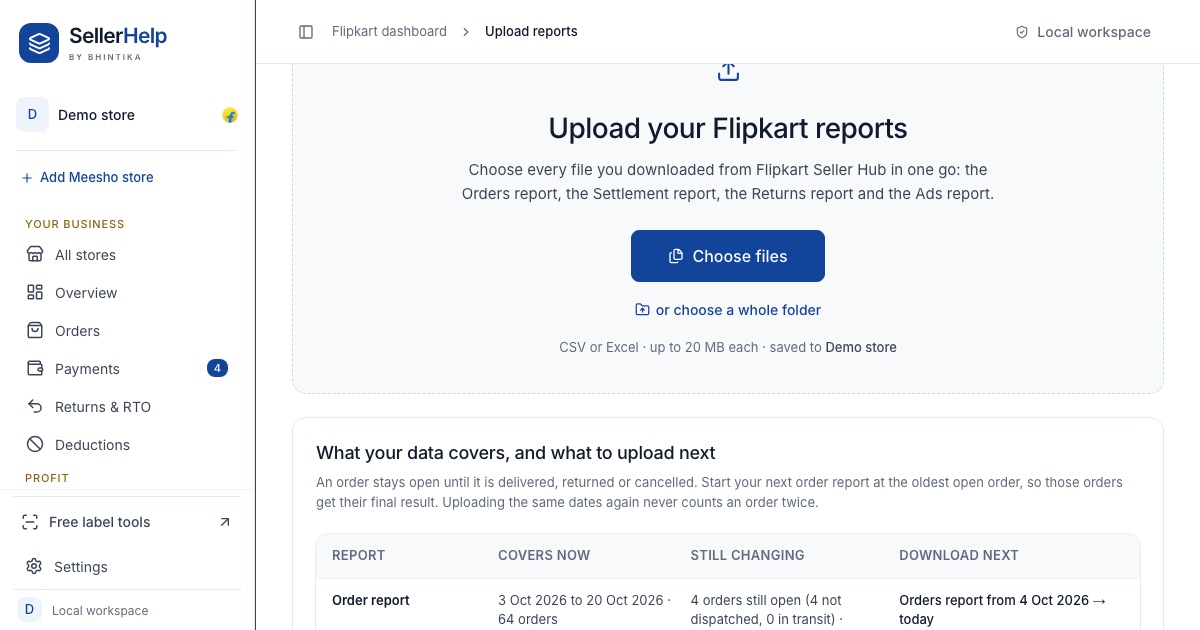
The free Flipkart seller dashboard takes all four files in one go, whatever their names. It works out which report each file is, cleans the IDs and SKUs, and tells you which dates you should download next so no open order is missed. It never asks for your Seller Hub password. If you sell on Meesho too, its reports go in a separate Meesho dashboard store.
Frequently asked questions
Where is the Flipkart settlement report in Seller Hub?
Under Payments, then Settlements. Download it as Excel for the payment dates you want.
Where is the Flipkart orders report?
Under Orders, then Reports. Pick an order date range starting at your oldest open order.
Does the Flipkart orders report show the selling price?
Our Orders report had no price column. Use the Sale Amount in the settlement report for what the customer paid.
Which Flipkart report has the return reason?
The returns report, under Returns, then Reports. See the return_reason and return_sub_reason columns.