Flipkart seller guide
Flipkart Ads Cost: Why It Is Not in Your Settlement and How It Changes Profit
Quick answerFlipkart takes ad money from your ads wallet, not from order payouts, so ads do not appear in the Orders sheet of the settlement report. Wallet top-ups paid from your payments show on its Ads sheet. To see what ads cost, download the campaign report from Advertising, Reports. ROI in that report is revenue divided by ad spend; our first product ads campaign spent ₹430.60 and brought ₹888 of sales, an ROI of 2.06. Whether that is profitable depends on your margin: you break even at ROI = 1 ÷ your profit margin before ads.
On this page · 6 sections
Where ad spend is, and is not
- Not in the settlement Orders sheet. Order rows have no ads column.
- Ads sheet of the settlement report: wallet top-ups and withdrawals paid through your payouts. The Summary note calls it the transactions for managing the ads wallet. It was ₹0 in our month.
- Campaign report: Seller Hub, Advertising, Reports. One row per campaign with spend, views, clicks, units and revenue. This is where the cost per campaign is.
Read the campaign report
ROI here is Total Revenue ÷ Ad Spend: ₹888 ÷ ₹430.60 = 2.06. It counts sales value, not profit, and it does not know which of those orders will come back.
| Column | Our campaign |
|---|---|
| Ad Spend | ₹430.60 |
| Views | 51,801 |
| Clicks | 380 |
| Average CPC | ₹1.13 per click |
| Total converted units | 6 |
| Total Revenue (Rs.) | ₹888 |
| ROI | 2.06 |
Your break-even ROI
Break-even ROI = 1 ÷ profit margin before ads. If you keep 30% of the sale value as profit after Flipkart's fees and your product cost, you need an ROI of 1 ÷ 0.30 = 3.33 just to cover the ads.
At that margin our 2.06 means each ₹1 of ads brought ₹2.06 of sales and about ₹0.62 of profit, a loss of about 38 paise per rupee spent. The 30% is an example; use your own margin from the profit per order guide.
Things that make ads look better than they are
- Returns and RTO. Revenue counts orders that may later come back. Check the ad orders again after a few weeks.
- GST on ads. Flipkart charges GST on ads fees; it is input tax credit, but it is cash out of the wallet first.
- Short date ranges. Spend and orders can fall on different days, so judge a campaign over at least a couple of weeks.
Put ads into your profit
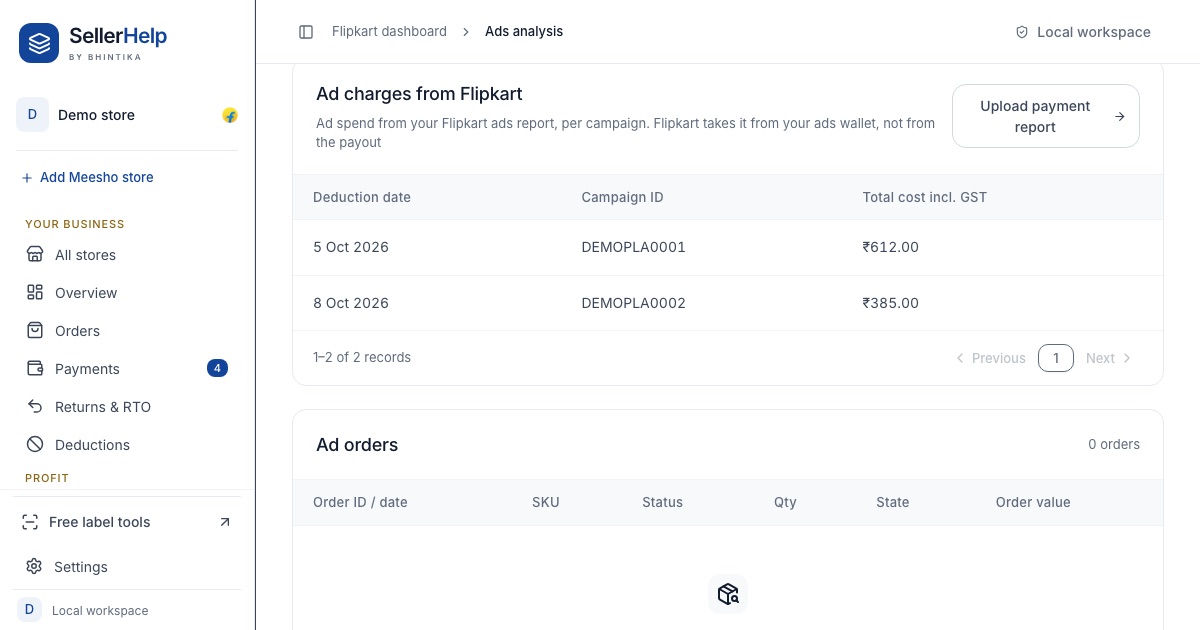
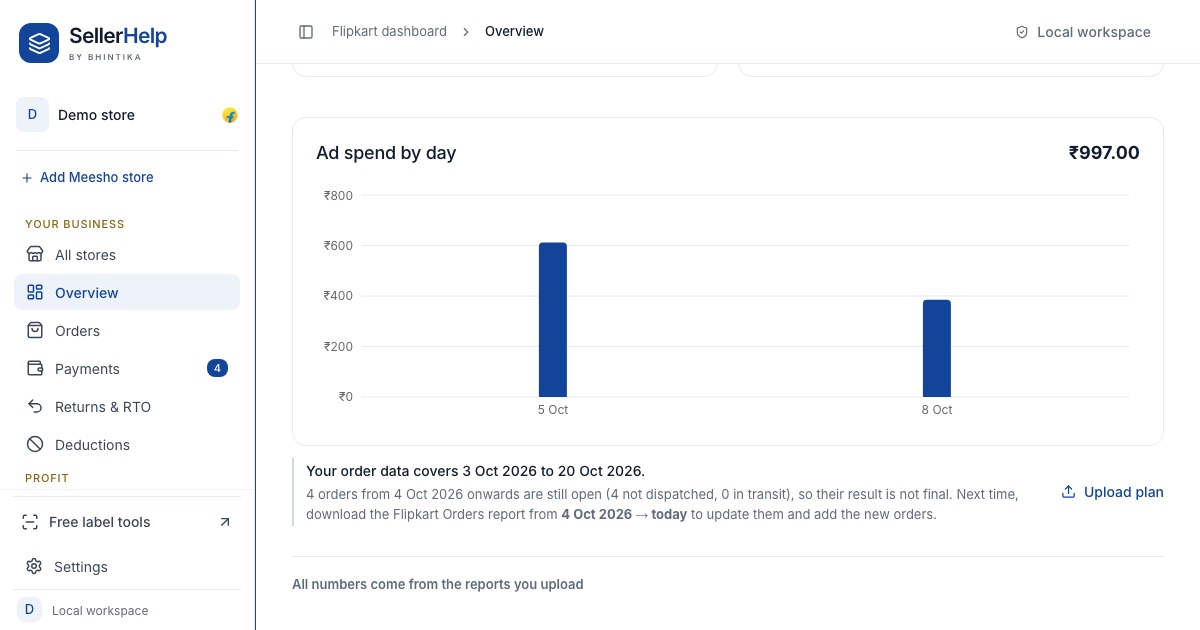
The free Flipkart seller dashboard reads the campaign report CSV with your other Flipkart reports. Ad spend appears on the Ads analysis tab per campaign and per day, and it is taken off your net payment and profit, so the Profit & loss tab shows profit after ads.
Frequently asked questions
Is Flipkart ads cost deducted from my settlement?
Not from order payouts. Flipkart takes it from the ads wallet. Wallet top-ups paid from your payments show on the Ads sheet of the settlement report.
What is ROI in the Flipkart ads report?
Total revenue from ad orders divided by ad spend. Our campaign had ₹888 of revenue on ₹430.60 of spend, an ROI of 2.06.
What ROI is good on Flipkart ads?
Anything above your break-even ROI, which is 1 ÷ your profit margin before ads. At a 30% margin you need more than 3.33.
Where do I download the Flipkart ads report?
In Seller Hub under Advertising, Reports. Download the campaign report as CSV for the dates you want.