Meesho seller guide
How to Sell on Meesho Without GST (Enrolment ID)
Quick answerYes, a small seller can sell on Meesho without GST registration by using an enrolment ID from the GST portal instead of a GSTIN. The catch: you can sell only to buyers in your own state, through e-commerce in that one state, and your turnover must stay under the GST registration limit.
On this page · 5 sections
Who can sell on Meesho without GST
Since 1 October 2023, small sellers can supply goods through e-commerce platforms without GST registration. Notification 34/2023-Central Tax sets the conditions:
- You sell goods only within your own state: no inter-state sales.
- You sell through e-commerce operators in only one state or union territory.
- Your aggregate turnover stays below the GST registration limit for your state.
- You have a PAN, and you have declared your PAN, business address and state on the GST portal.
- You have been given an enrolment number on the GST portal before your first sale.
How to get an enrolment ID on the GST portal
Make sure your PAN details match your Aadhaar and mobile number; a mismatch is a common reason the validation fails.
Open the GST portal and go to Services, then User Services, then Generate User Id for Unregistered Applicant.
Choose the option for a supplier to e-commerce operators.
Enter your PAN, mobile number, email, business address and state, and verify with the OTPs.
When the PAN is validated, the portal issues your enrolment number.
Use that enrolment number in place of a GSTIN when you register on the Meesho Supplier Panel.
What changes when you sell without GST
Meesho shows products of an enrolment-ID seller only to buyers in that seller's state, so your reach is smaller. For many first-time sellers that is a fair start: you can test products before taking on GST filings.
| With GSTIN | With enrolment ID | |
|---|---|---|
| Where you can sell | All of India | Only buyers in your own state |
| TCS deducted by Meesho | Yes, 1% of net taxable value | No |
| GST returns | You file them | None for these supplies |
| Input tax credit on your purchases | Yes | No |
| Growing beyond the limit | No change | You must register for GST |
When to move to a GST number
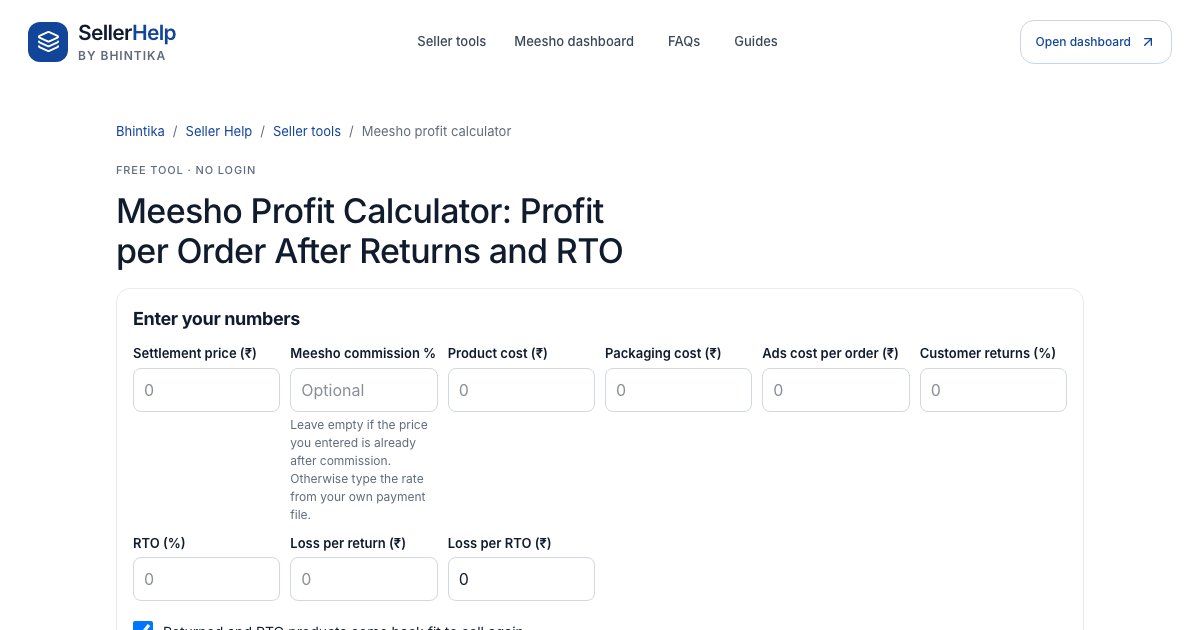
Once you take a regular GST registration, the enrolment number stops from the date the registration takes effect, and you update the Supplier Panel with your GSTIN. Before you decide, check your margins with the Meesho profit calculator: GST changes what you keep from each order.
- You want buyers from other states, which is most of Meesho's demand.
- Your turnover is close to the registration limit for your state.
- You buy stock with GST and want input tax credit.
- You want to sell on more than one marketplace in more than one state.
Frequently asked questions
Can I sell on Meesho without a GST number?
Yes, with an enrolment ID from the GST portal, if you sell only within your own state through e-commerce in one state and your turnover stays under the GST registration limit.
Where do I get the enrolment ID for Meesho?
On the GST portal: Services, User Services, Generate User Id for Unregistered Applicant, then choose supplier to e-commerce operators. You need a PAN.
Does Meesho deduct TCS without GST?
No. TCS is not collected on supplies made by sellers who use an enrolment ID.